Manglai AI · EINF sections
Bring your environmental data into an EINF draft
Use environmental data recorded in Manglai to prepare draft sections for Spain’s EINF, the non-financial information statement.
Schedule demoHow it works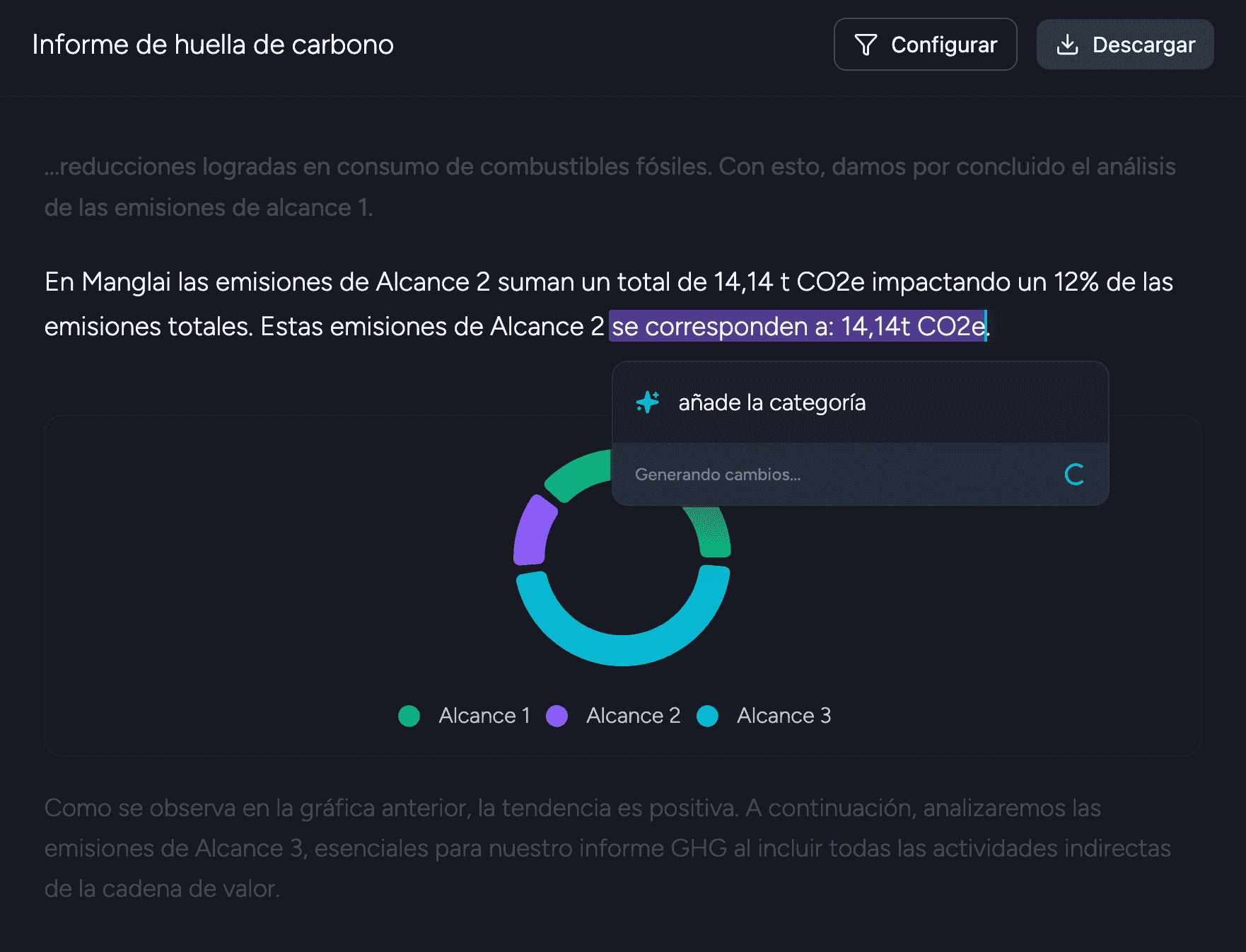
Companies that trust us














How it works
01
Choose the reporting scope
Set the reporting year and company scope, then identify the environmental information available in Manglai.
02
Prepare environmental sections
Manglai uses recorded data to assemble draft content for the environmental sections of the EINF.
03
Complete the review
Check figures, source records and narrative, fill information gaps and coordinate review of the complete statement.
What you bring
Use the environmental information already recorded in Manglai and select the reporting period and relevant company scope for the EINF draft.
What Manglai prepares
Manglai prepares draft environmental sections using available platform data. The feature covers those sections, not the full EINF statement.
Example
Prepare a draft environmental section for the selected reporting year, then compare its figures with the records and evidence in Manglai.
Our clients
Success Stories with Manglai
Discover how companies in various sectors are already operating their environmental management with Manglai
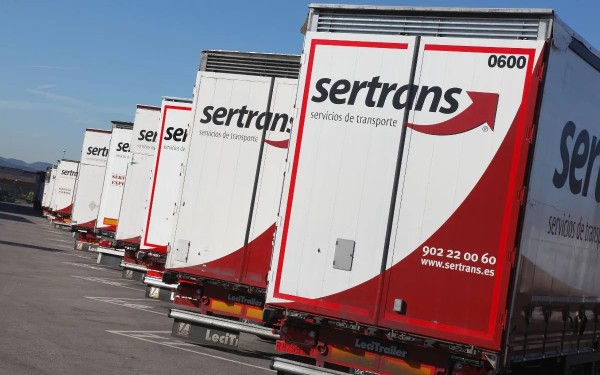

We backed their vision, and all we can say is that we'll keep working with them. Week after week, they bring us small improvements that make their product stronger from a user's perspective.
Carla Argiles
Quality and Environmental Technician - Sertrans

We're very happy with the platform and the service provided by the Manglai team. Thank you very much!
Vesselin Petrov
ESG Coordinator - Bluespace
Connect Manglai with your AI tools
Use the Manglai MCP server to connect compatible assistants to environmental API tools. Available data depends on your account access and the permissions you configure.
Manglai MCP server
Connect an MCP-compatible assistant to tools for querying company, site, consumption, emissions, invoice and logistics data in Manglai.
Developer documentation
Explore the Manglai API and MCP documentation, including supported tools, transports and authentication options.
MCP setup guide
Follow the official guide to connect a supported assistant and choose an authentication method for your Manglai account.